Make printable
parts connect.
Add connections to STL models in your browser—
without rebuilding the part in CAD.
Opens test parts in Threads. You choose whether to replace existing work.
Your STL files stay in your browser.
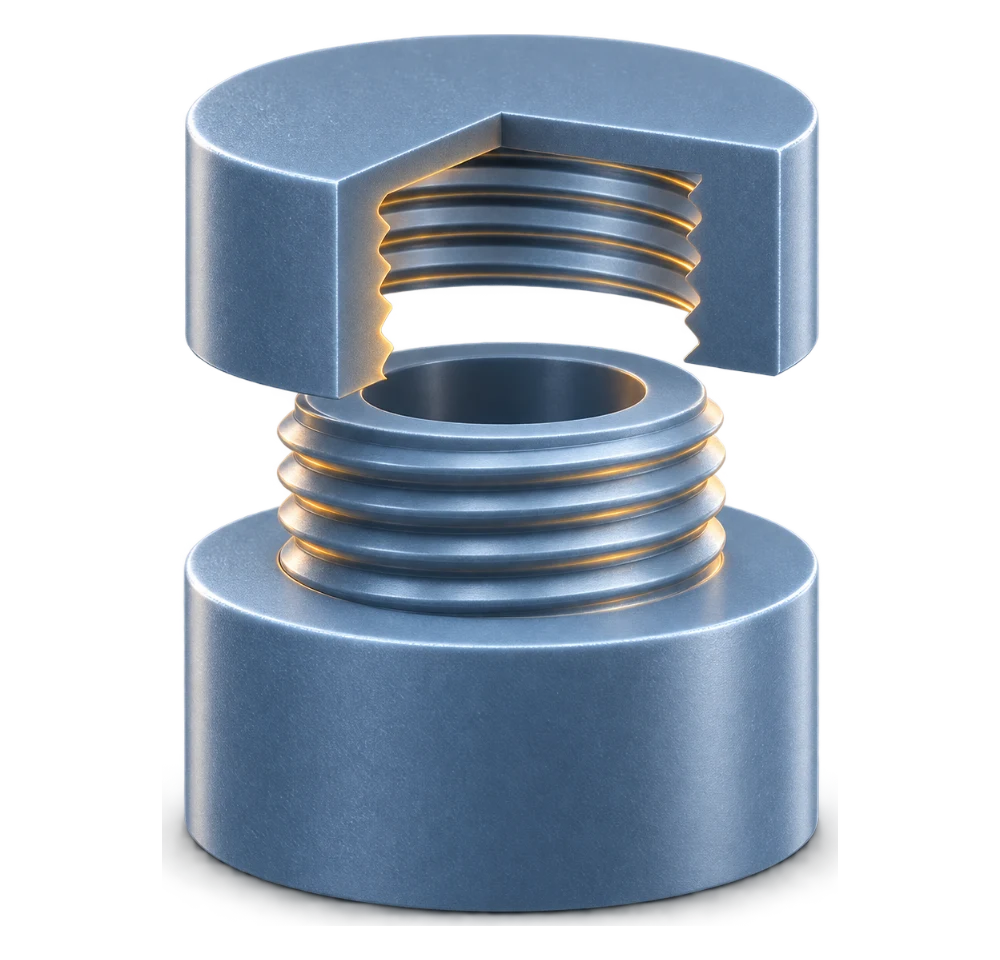
Choose your connection
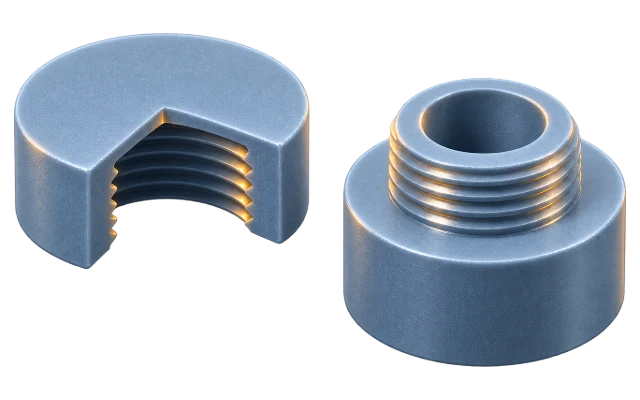
Threads
Add matching male and female threads to your parts.
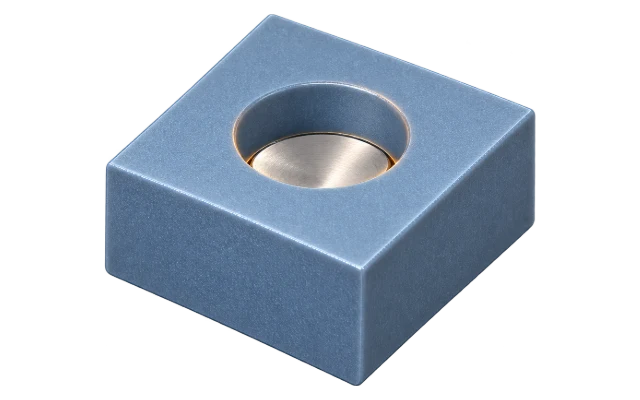
Magnet Pockets
Create pockets for round magnets.
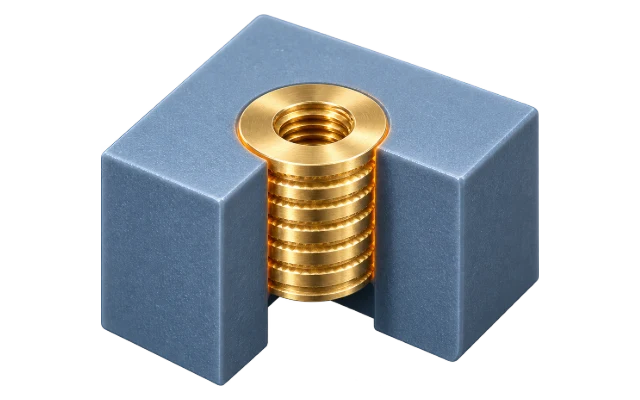
Heat-Set Inserts
Add holes for heat-set inserts.
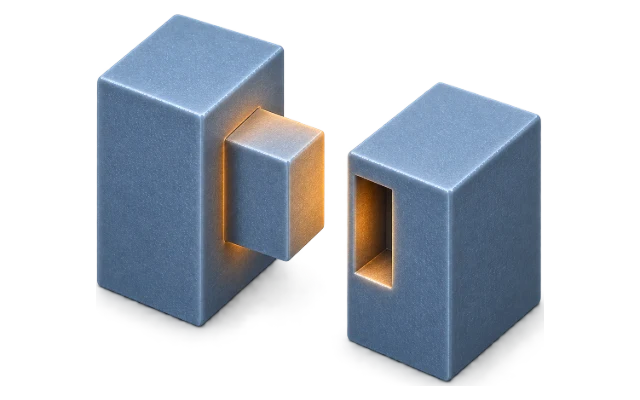
Tabs & Slots
Create alignment tabs and matching slots.
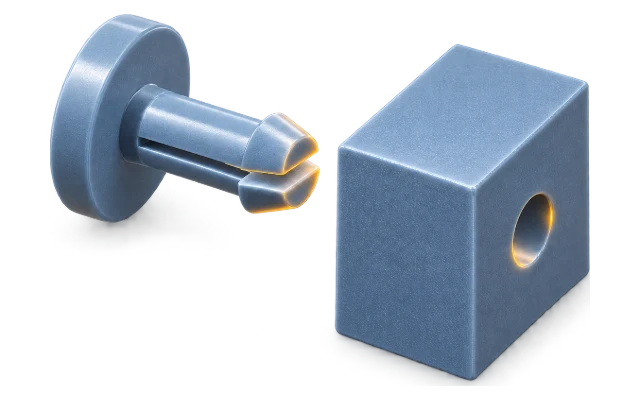
Snaps
Add split-prong pins and receivers.
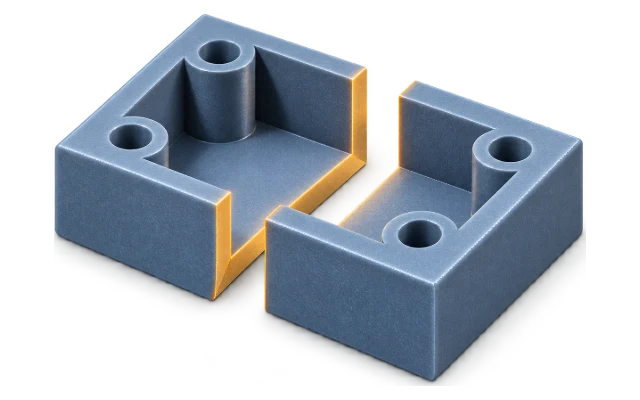
Model Splitter
Split models to fit your printer’s build volume.
How it works
- 1
Upload parts
Start with your STL files or try a sample.
- 2
Place a connector
Add a thread, magnet pocket, insert, tab, slot or snap.
- 3
Adjust the fit
Set dimensions and options to match your needs.
- 4
Generate & export
Create the geometry and export a new STL.
